On Amazon India, the main image is not just a photo. It is the thumbnail in search, the first thing in the listing gallery, and often the deciding factor in whether a buyer clicks your product or the one next to it. Amazon is also the strictest of the big Indian marketplaces about what that main image can contain. A listing with a non-compliant main image can be suppressed from search until it is fixed.
Here is what the rules mean in practice and how to meet them without a professional studio.
Main image rules
| Rule | Requirement |
|---|---|
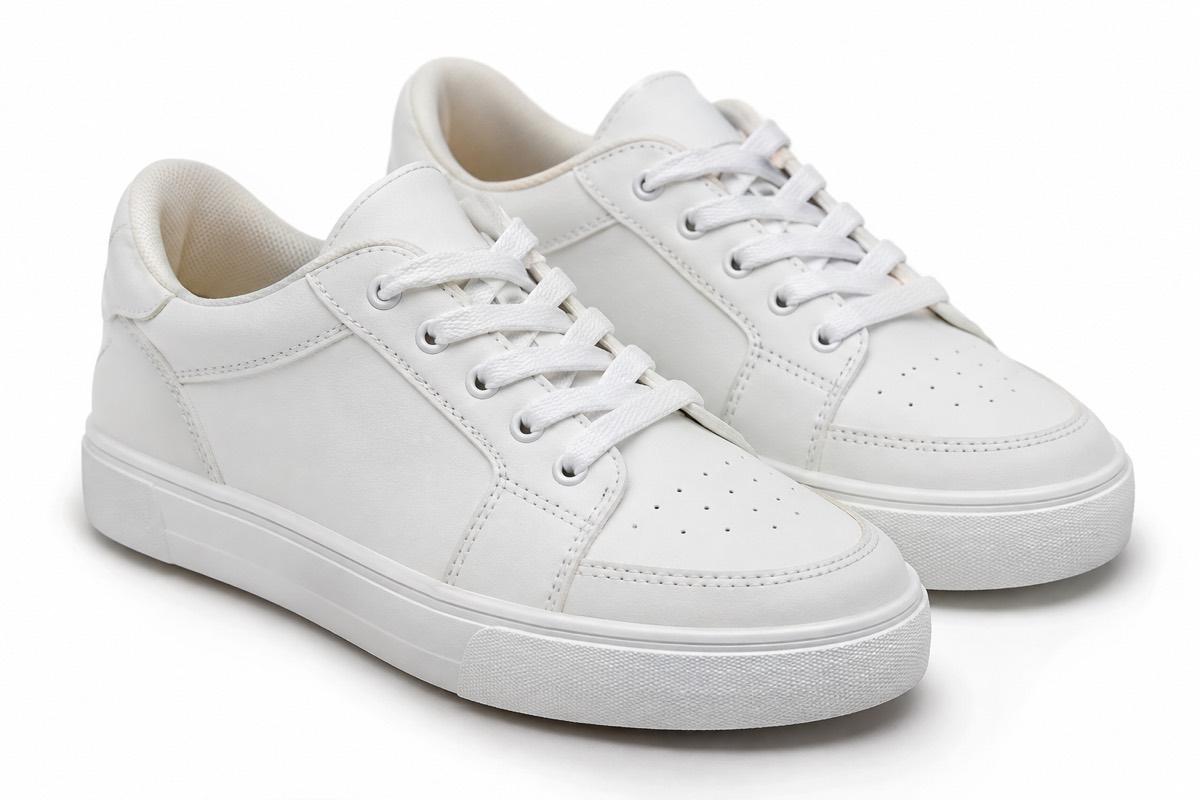
| Background | Pure white, RGB 255, 255, 255 (#FFFFFF) |
| Product fill | About 85% of the frame |
| Shape | Square 1:1 works best across devices |
| Size for zoom | At least 1000 px on the longest side; 1600 px or more is better |
| Size we export at | 2000 x 2000 px |
| File types | JPEG preferred; PNG also accepted |
| Colour | sRGB |
| Not allowed | Text, logos, watermarks, borders, props, extra items, multiple angles in one image |
Amazon's zoom feature only works on images large enough to zoom into. Buyers use zoom constantly, especially for clothing, jewellery and electronics. A small main image quietly costs you conversions.
Some categories have their own extra rules. Clothing, shoes and jewellery in particular have specific guidance on models and mannequins, so check the style guide for your category in Seller Central before uploading.
Breaking down the rules
Pure white really means pure white
Amazon checks for RGB 255, 255, 255. A photo shot on a white sheet usually measures somewhere around light grey, especially near the edges where light falls off. To your eye it looks fine. To Amazon's checks it is not white.
The reliable approach is to separate the product from its background and place it on a true white canvas. Then check the corners and edges with any colour picker tool.
85% fill
The product should occupy roughly 85% of the image area. In practice this means very little white margin. Many sellers leave far too much space, which makes the product look tiny next to competitors in search results.
One product, nothing else
The main image shows what the buyer gets, and nothing more. No props that are not included, no lifestyle background, no "free gift" add-ons that are not part of the listing. If you sell a pack of three, show the three items, because that is what the buyer receives.
No text or graphics
No "Best Seller" badges, no discount text, no brand logo stamped in a corner, no border. Your brand name belongs on the product itself or in the title, not added on top of the photo.
Mannequins
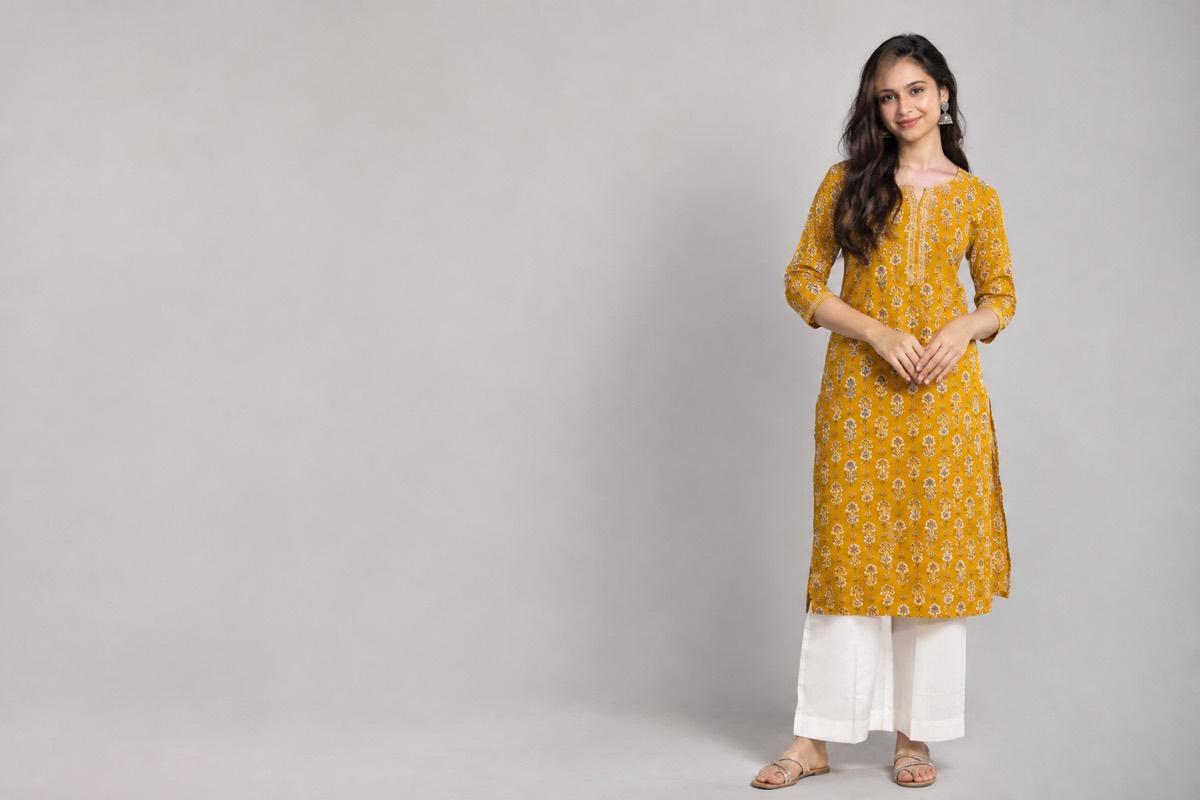
For clothing, Amazon's guidance generally discourages visible mannequins in the main image. Products shown on a model or as a flat, cleanly styled garment are safer choices. Accessories like shoes have their own rules. Check your category's current style guide, since this is where rules differ most.
The rest of the image gallery
The main image is tightly controlled, but additional images give you room to sell. Use them well:
- Alternate angles: back, side, top, all on white for a clean look
- Close-up details: stitching, material, connectors, clasps, stones
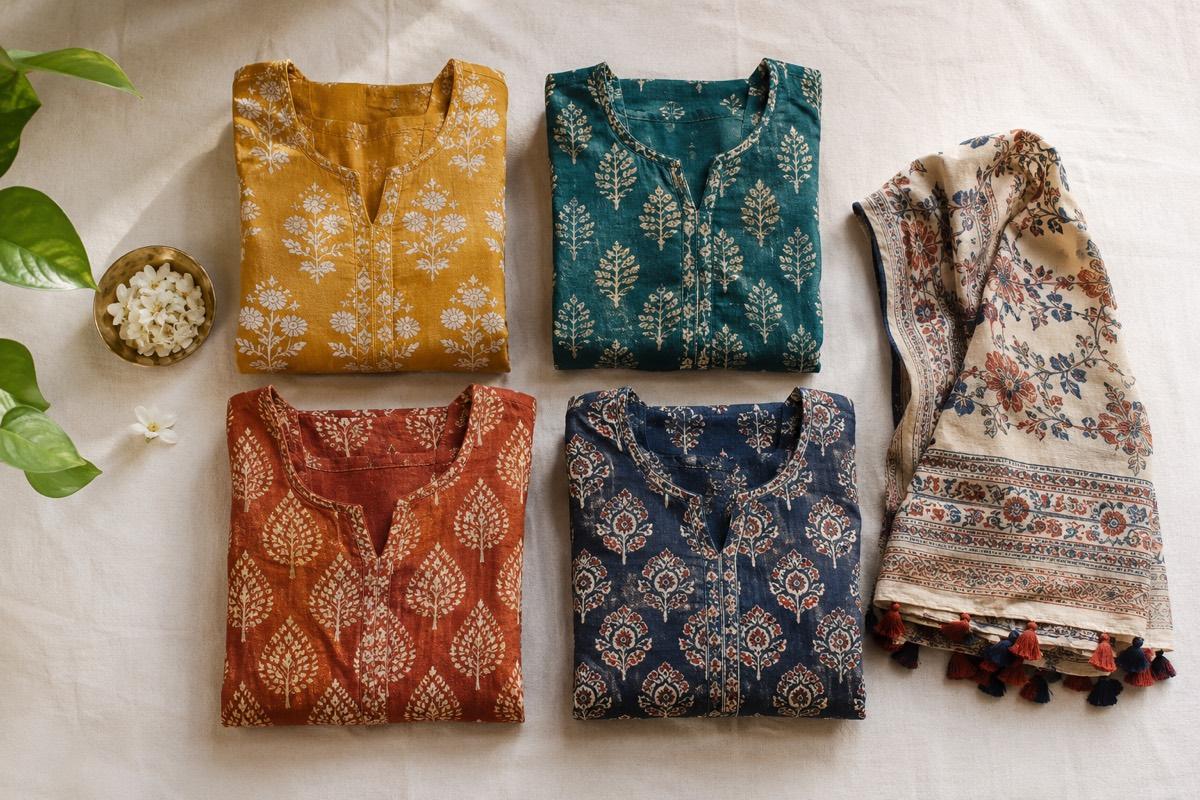
- Lifestyle images: the product in a real setting, such as a kitchen, a desk or a festive look
- On-model images: for apparel and jewellery, show fit, length and scale
- Size and scale: product held in a hand or next to a known object
Lifestyle and model shots often do more selling than the main image, because they answer the questions buyers have before they add to cart.
Variants need their own images
If you sell a T-shirt in six colours, each colour variant should have its own main image showing that exact colour. Reusing one colour's photo for every variant confuses buyers and leads to "wrong colour received" returns. The same applies to sizes where the product looks visibly different, such as pack quantities.
A simple workflow for small sellers
- Shoot the product clearly. Daylight, plain backdrop, phone at full resolution, steady hands. Do not worry about getting the background perfect.
- Cut out the background with a background removal tool and check the edges for halos.
- Place on pure white and frame square with the product filling about 85%.
- Export at 2000 x 2000 px as JPEG in sRGB.
- Create the supporting shots: angles, details, lifestyle and model images.
- Check against your listing: colour, quantity and variant must match exactly.
If a photo is too small to begin with, enlarging it will not fix it. Upscaling well beyond the original size produces visibly soft results that buyers notice on zoom. Start from your phone's full-resolution photo.
If you also sell on Flipkart
Flipkart's rules are similar but not identical: pure white too, slightly lower fill target and JPEG only. Our Flipkart image requirements checklist walks through the differences, so one shoot can serve both marketplaces.
How VisionLab helps
VisionLab turns one phone photo into a marketplace-ready studio shot. With Amazon selected as the target, the output is a 1:1 image on pure white RGB 255, 255, 255, framed for the product to fill the image, with no text, props or borders. The white background is enforced on the final file, not left to chance. From the same product photo you can create lifestyle scenes and on-model shots for the rest of your gallery, and choose camera angles for alternate views.
New accounts get 5 free credits to start, no card needed. Start free and fix your main image today.
Frequently asked questions
What background colour does Amazon India require for the main image?
Pure white, RGB 255, 255, 255 (#FFFFFF). Light grey or off-white backgrounds that look white to the eye can still fail Amazon's checks.
What size should Amazon product images be?
Use at least 1000 px on the longest side so zoom works, and ideally 1600 px or more. Square 2000 x 2000 px images are a safe choice.
How much of the image should the product fill on Amazon?
About 85% of the frame. Too much white space makes the product look small in search results.
Can I use lifestyle photos on Amazon?
Yes, but only as additional images. The main image must show the product alone on a pure white background without props or text.
Can I add my logo or offer text to the main image?
No. Text, logos, watermarks and borders are not allowed in the main image. A logo printed on the product itself is fine.