Meesho is often the first marketplace a new Indian seller joins. Listing is simple, the buyer base is huge, and most shoppers browse on their phones. That last point matters more than anything else for your photos. A buyer scrolling through hundreds of kurtis or kitchen organisers on a small screen decides in a second whether to tap. Your catalogue image has to win that second.
This guide covers what Meesho expects from catalogue images, the mistakes that get images rejected or ignored, and two practical ways to produce good photos: shooting them yourself or generating them from a single phone photo.
What Meesho expects from a catalogue image
Meesho is more relaxed than Amazon or Flipkart about backgrounds. You do not need a pure white backdrop for every image. What it does insist on is a clean, honest picture of the product without anything that looks like advertising or a way to contact the seller off the platform.
Here are the rules we build around when preparing images for Meesho:
| Rule | What to aim for |
|---|---|
| Aspect ratio | Square, 1:1 |
| Size | At least 1000 x 1000 px for a sharp result on all screens |
| Background | White, light neutral, or a clean lifestyle scene |
| Product fill | The product should take up about 80% of the frame |
| File type | JPEG or PNG |
| File size | Under 5 MB |
| Not allowed | Text, watermarks, logos, borders, phone numbers or other contact details |
| Models | Real human models are fine for apparel |
Meesho's own minimum size is lower than 1000 px, but images close to the minimum look soft when buyers zoom in. Aim higher and you never have to think about it.
Policies do change, so check the latest guidance in your Meesho Supplier Panel before a big catalogue upload.
Common reasons Meesho images fail
Most rejections and low click rates come from a handful of avoidable problems.
Text and contact details on the photo
It is tempting to add "Best Quality" or a WhatsApp number on the image. Do not. Any text, price sticker, logo overlay or contact detail is a quick way to get a catalogue rejected. Keep the photo about the product alone.
Tiny product, huge background
A saree photographed from across the room leaves the product as a small strip in the middle. On a phone grid that strip is almost invisible. Fill the frame so the product takes most of the square.
Collages and borders
Meesho lets you upload several images per product, so there is no need to squeeze four angles into one photo with borders between them. Use one clean angle per image.
Colour that does not match the real product
Yellow room lighting turns a white top cream and a navy kurta black. Returns from "colour not as shown" hurt your account. Shoot in daylight near a window or use even, white light.
How to shoot Meesho photos yourself
You do not need a studio. A phone, a window and a bit of patience go a long way.
- Use daylight. Place the product near a large window, out of direct sun. Overcast days give the softest light.
- Pick a plain backdrop. A white bedsheet, a light wall or a sheet of chart paper works. Avoid patterned bedcovers.
- Shoot square or leave room to crop. If your camera app has a 1:1 mode, use it. Otherwise frame loosely and crop later.
- Hold steady. Rest your elbows on a table or use a cheap phone stand. Blurry photos are the most common problem we see.
- Take several angles. Front, back, a close-up of fabric or detail, and one in-use shot if you can.
- Check on your phone. View the photo at the size a buyer would see it. If you cannot tell what it is in one glance, reshoot.
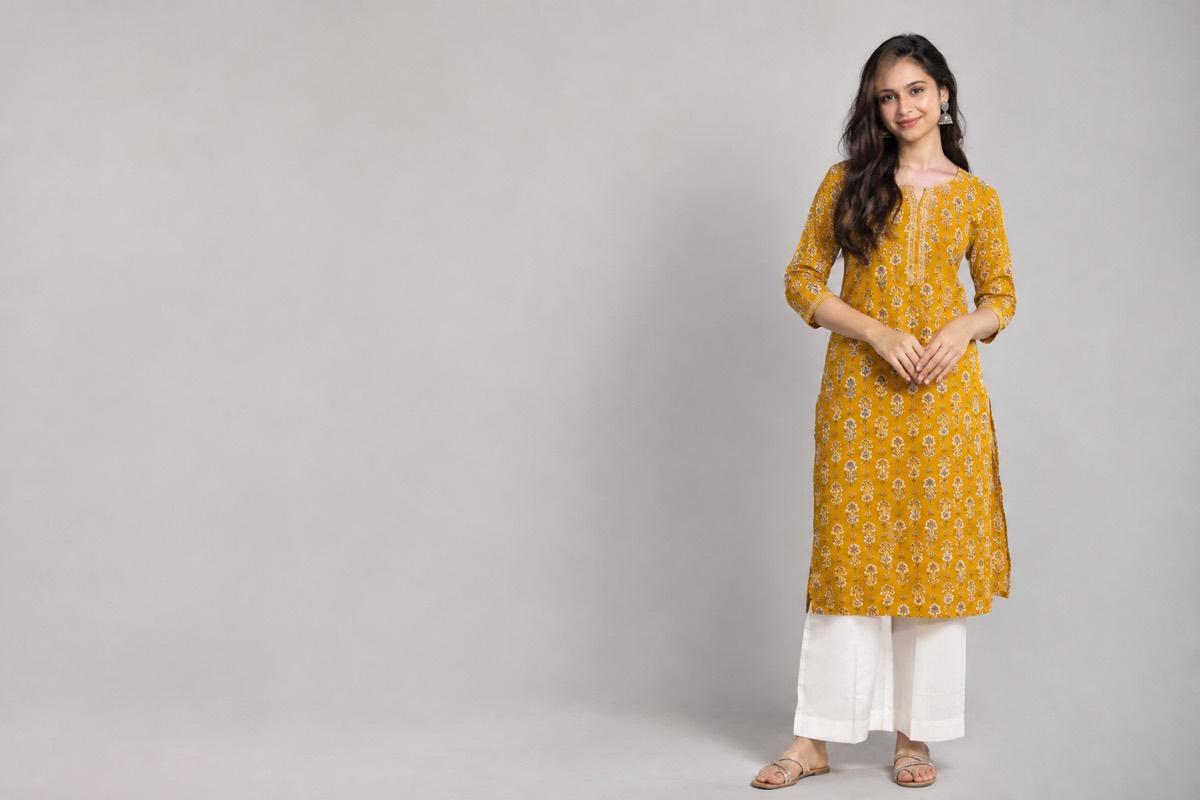
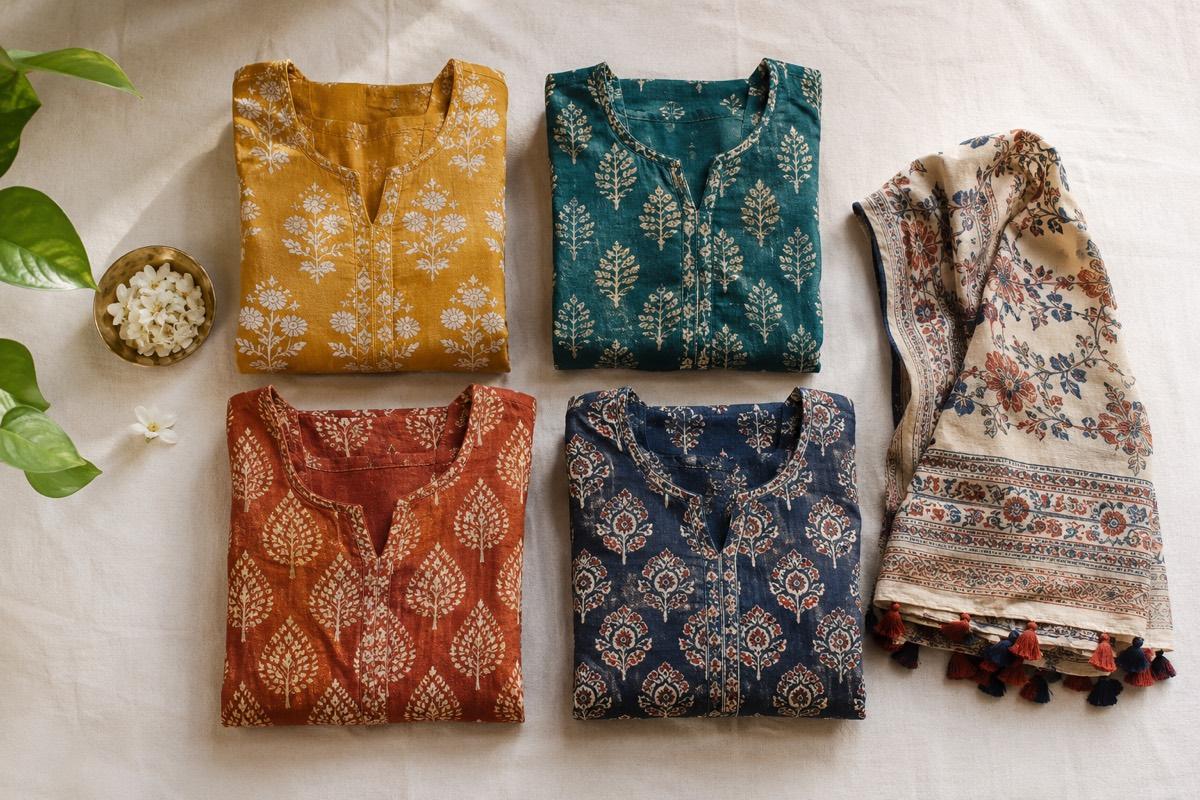
For clothing, a photo on a person almost always performs better than a flat folded garment, because buyers want to see fit and drape. If arranging a model shoot is not practical, read our guide on turning a flat-lay into an on-model photo.
Generating Meesho photos from one phone photo
Many Meesho sellers list dozens of new designs every week. Shooting each one properly takes time that small teams simply do not have. This is where AI product photography helps: you take one clear photo of the product, and the software creates the catalogue shots.
What makes this work well for Meesho specifically:
- Lifestyle backgrounds are allowed, so you can use soft indoor scenes or neutral walls that make a product feel real without breaking any rule.
- Square output means nothing important gets cropped when Meesho shows your product in the grid.
- Model shots let a flat-lay kurti or saree appear worn, which is what buyers expect to see.
Whatever tool you use, compare the generated image with your real product before uploading. Print, colour, neckline and border details must match what the buyer will receive.
A quick pre-upload checklist
Before you submit a catalogue, run through this list:
- Every image is square and at least 1000 px on each side
- No text, logos, watermarks, borders or contact details
- Product fills most of the frame
- Colours match the physical product in daylight
- At least one front view, one back or side view and one detail shot
- Files are JPEG or PNG and under 5 MB
How VisionLab helps
VisionLab turns a single phone photo into studio shots, lifestyle photos and on-model images. When you pick Meesho as the target marketplace, the output is framed square with a clean, Meesho-friendly backdrop and no text or borders. For apparel, you can start from a flat-lay or mannequin photo and get the garment shown on a model. If you list many designs at once, Bulk Studio lets you apply one look across the whole batch so your catalogue stays consistent.
New accounts get 5 free credits to start, no card needed. Start free and try it on your next Meesho catalogue.
Frequently asked questions
Does Meesho require a white background?
No. Meesho accepts white, light neutral and clean lifestyle backgrounds. What matters is that the background is uncluttered and the product is clearly visible.
What size should Meesho product images be?
Use square 1:1 images of at least 1000 x 1000 px. That keeps them sharp when buyers zoom in. Keep each file under 5 MB in JPEG or PNG.
Can I add my brand name or price on Meesho images?
No. Text, logos, watermarks, borders and contact details on catalogue images can lead to rejection. Put that information in the listing fields instead.
Are model photos allowed on Meesho?
Yes. Real human model shots are allowed for apparel and usually help buyers judge fit and drape better than a flat garment.
Can I use AI-generated photos on Meesho?
You can use AI-generated images as long as they show your real product accurately. Always check colour, print and details against the physical item before uploading.