Myntra is a fashion-first platform, and its catalogue looks like it. Scroll through any category and you see the same thing: portrait images, real models, clean styling and a consistent editorial feel. Shoppers on Myntra expect a product page to look like a fashion shoot, not a quick phone snap.
That makes Myntra the most demanding of the Indian marketplaces when it comes to photography. Here is what the standard looks like and how to plan a catalogue shoot that meets it.
How Myntra images differ from other marketplaces
Most marketplaces want square images on white. Myntra is different on almost every point.
| Amazon / Flipkart | Myntra | |
|---|---|---|
| Shape | Square 1:1 | Portrait 3:4 |
| Typical size | 2000 x 2000 px | 1080 x 1440 px minimum |
| Background | Pure white main image | Clean studio or tasteful editorial backdrop |
| Product display | Product alone or on model | Worn by a real model |
| Mannequins | Discouraged for apparel | Avoid; on-model is the standard |
| Format | JPEG / PNG | JPEG |
Because Myntra uses portrait framing, a square photo cropped to fit will cut off either the head or the feet. Shoot or generate in 3:4 from the start.
Myntra onboards brands with detailed category style guides that cover things like pose, crop and background tone. Always follow the version shared with you during onboarding, since it overrides anything general.
The core standards
Portrait 3:4 framing
Every image is taller than it is wide, in a 3:4 ratio. At 1080 x 1440 px or larger, the image stays sharp on both phone and desktop. A full-length shot of a kurta set or a maxi dress fits naturally in this shape.
Real models, not mannequins
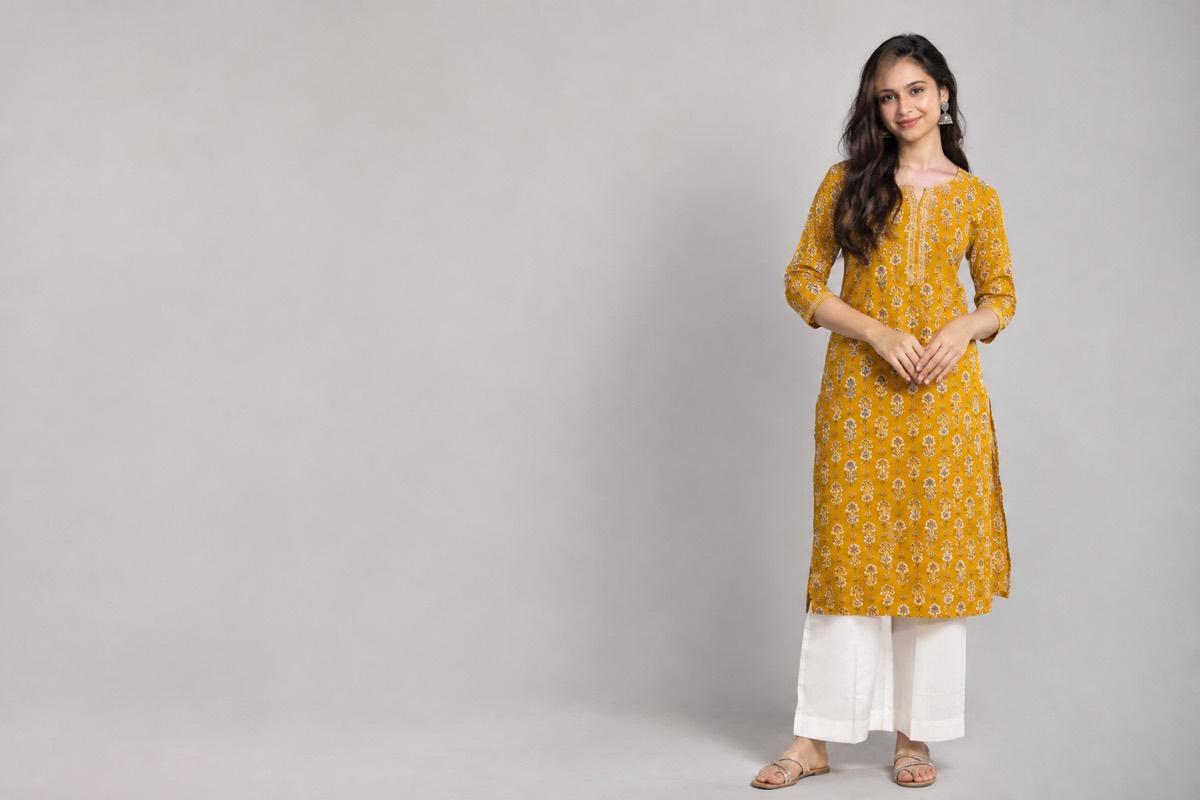
Fashion on Myntra is shown on people. Buyers want to see how a garment falls, where the hem sits, how a dupatta drapes. Mannequin and dress-form shots look out of place next to on-model listings and tend to underperform.
Consistent backdrop
Within a brand's catalogue, the background should look the same from product to product. A clean white or very light studio backdrop is the safest default. Some brands use soft editorial settings, such as a plain plaster wall or a quiet indoor scene, but the key is consistency: the backdrop should never pull attention away from the garment.
Clean images
No text, no logos added on top, no watermarks and no borders. The product and the model should be the whole story.
Planning the shot list
For each style, plan a set of images that answer every question a buyer might have. A typical on-model set looks like this:
- Front, full length: the hero image, model facing camera
- Side or three-quarter: shows silhouette and fit
- Back view: necklines, zips, back prints, dupatta fall
- Close-up: fabric texture, embroidery, print, buttons
- Styled or movement shot: walking, turning, adjusting a dupatta, so the garment looks alive
Keep the model and pose language consistent
If one kurta is shot on a model standing straight and the next on a model sitting on a stool, the catalogue looks messy. Pick a small set of poses and repeat them across the range. Shoppers comparing styles side by side will thank you.
Match the model to the buyer
Choose models whose look suits your brand and your buyer. Ethnic wear, western wear, kidswear and plus-size ranges each need different casting. Kidswear especially should be shot on child models in age-appropriate poses.
Footwear and styling
Full-length shots need sensible styling from head to toe. Bare feet or mismatched footwear look careless next to professionally styled listings. Pick footwear and minimal accessories that suit the garment and keep them consistent across a range, so the outfit never competes with the product.
The cost problem
A traditional Myntra-standard shoot needs a photographer, a model, a stylist, a makeup artist, a studio and an editor. For a brand launching hundreds of styles a season, that is a serious, recurring cost. For a small brand testing a new range of twenty styles, it can be the reason a range never launches.
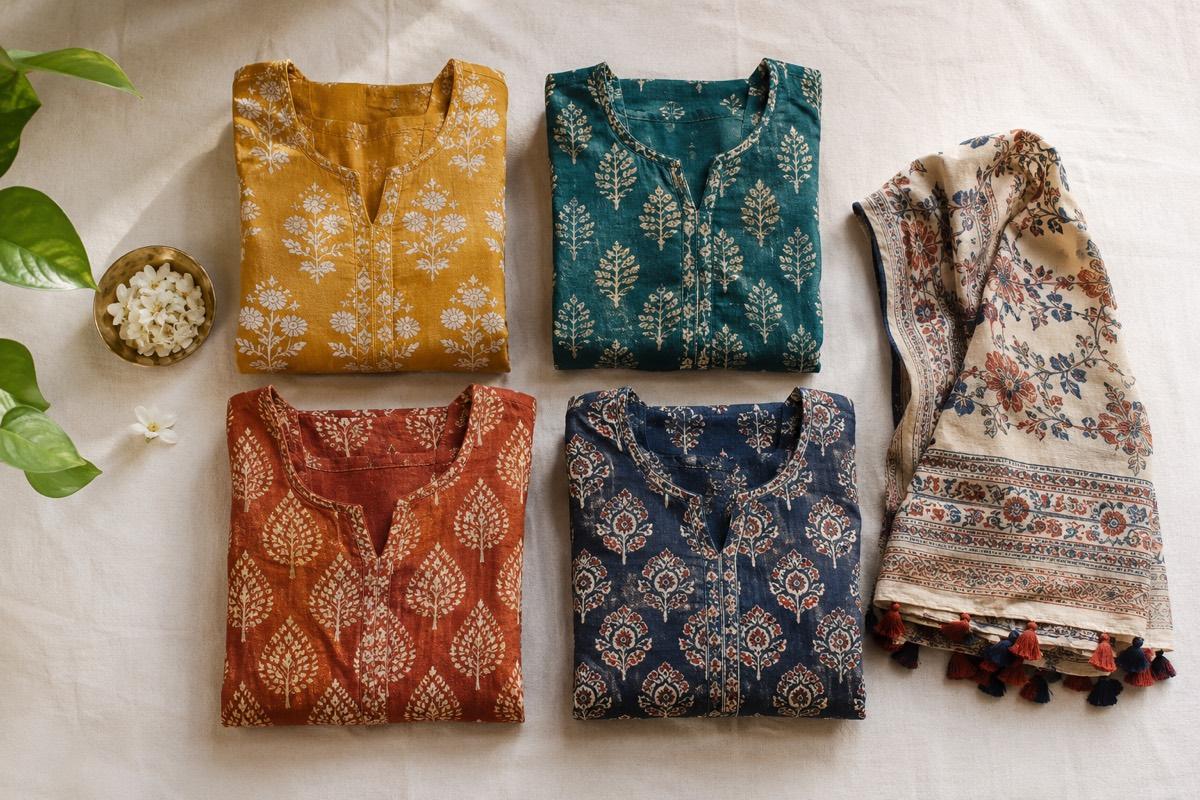
This is why many fashion sellers now start from a flat-lay or mannequin photo and generate the on-model shots. The garment stays the same; the model, pose and setting are created. We explain the full process in our guide to AI model photoshoots for clothing.
Quality checks before you upload
- Every image is 3:4 portrait, at least 1080 x 1440 px
- Garment colour matches the physical product in daylight
- Print, embroidery, borders and neckline are accurate in every shot
- Hands, feet and faces look natural, with no odd crops
- Backdrop and lighting match across the style and the range
- No text, watermarks or borders
Accuracy matters more than glamour. A beautiful image that shows a different shade or a different neckline leads to returns, and Myntra buyers return fashion freely.
How VisionLab helps
VisionLab is built for exactly this kind of fashion shoot. Start from a flat-lay, mannequin or existing model photo and get the garment worn by a model, with your choice of model, pose and background. Choose Myntra as the target and the output is framed 3:4 portrait in an editorial style, always on a real human model rather than a mannequin, with no text or watermarks. Use Bulk Studio to apply the same model, pose and background across a whole range so the catalogue looks like one shoot.
New accounts get 5 free credits to start, no card needed. Start free and shoot your next Myntra range from your workroom.
Frequently asked questions
What size are Myntra product images?
Myntra uses portrait 3:4 images. Work at 1080 x 1440 px or larger so images stay sharp on phone and desktop.
Does Myntra allow mannequin photos?
On-model photos are the standard on Myntra for apparel. Mannequin and dress-form shots look out of place and generally underperform next to on-model listings.
What background should I use for a Myntra shoot?
A clean white or light studio backdrop is the safest choice. Soft editorial settings can work too, as long as they are consistent across your catalogue and follow your category style guide.
How many images should each Myntra style have?
Plan for a front full-length shot, a side or three-quarter view, a back view, a fabric close-up and one styled or movement shot.