Flipkart's catalogue team is strict about images, and for good reason. A clean, consistent catalogue makes the whole marketplace feel trustworthy. For a seller, that strictness means a single wrong pixel colour or a stray logo can hold up a listing.
This post is a working checklist. Keep it open while you prepare images, and you will avoid most of the back-and-forth with catalogue QC.
The core requirements at a glance
| Requirement | Flipkart standard |
|---|---|
| Background (main image) | Pure white, #FFFFFF (RGB 255, 255, 255) |
| Aspect ratio | Square, 1:1 |
| Minimum size | 500 x 500 px |
| Recommended size | 2000 x 2000 px |
| Product fill | About 80% of the frame |
| File format | JPEG |
| File size | Under 10 MB |
| Colour space | sRGB |
| Not allowed | Watermarks, text, borders, logos overlaid on the image |
The minimum is only a floor. Images near 500 px look soft on modern phones and do not support zoom well. Work at 2000 x 2000 px whenever you can.
Category rules can add to this list, especially for fashion, so check the current image guidelines for your vertical in the Flipkart Seller Hub before a large upload.
Checklist part 1: the background
The main image must sit on pure white. Not off-white, not light grey, not "white-ish" from a bedsheet backdrop. A background that looks white to your eye is often a pale grey or cream when measured.
- Every background pixel in the main image is #FFFFFF
- No grey halo or soft glow around the product edges
- No gradient from top to bottom
- A small, natural contact shadow under the product is fine; a large spreading shadow is not
The most reliable way to get true white is to cut the product out from its original background and place it on a white canvas, rather than trying to light a backdrop perfectly.
Why the halo matters
When you remove a background with a basic tool, the edges of the product often keep a thin rim of the old background colour. On white, that rim looks like a grey outline. QC reviewers notice it, and so do buyers.
Checklist part 2: size and framing
- Image is exactly square
- Longest side is at least 2000 px (minimum 500 px)
- Product fills roughly 80% of the square
- Product is centred and not cut off at any edge
- Only one product in the main image
Leaving too much empty white space is as much a problem as cropping too tight. A small product floating in a big white square looks cheap in search results.
Do not just stretch a small photo
If your source photo is 800 px wide, scaling it up to 2000 px will not add detail. It only makes the softness bigger. Start with the sharpest photo your phone can take, at full resolution, and avoid screenshots or images forwarded on chat apps, which are compressed.
Checklist part 3: file and format
- Saved as JPEG
- Under 10 MB
- sRGB colour profile
- File name is clean (helps you, even if Flipkart does not use it)
PNG files with transparency are a common trap. If a transparent area gets flattened to black or grey during upload, your white background is gone. Export a flattened JPEG on white.
Checklist part 4: content rules
- No text, offers, prices or "100% original" badges
- No watermarks or brand logos added on top of the photo
- No borders, frames or collage layouts
- The product shown is exactly the product being sold, in the same colour
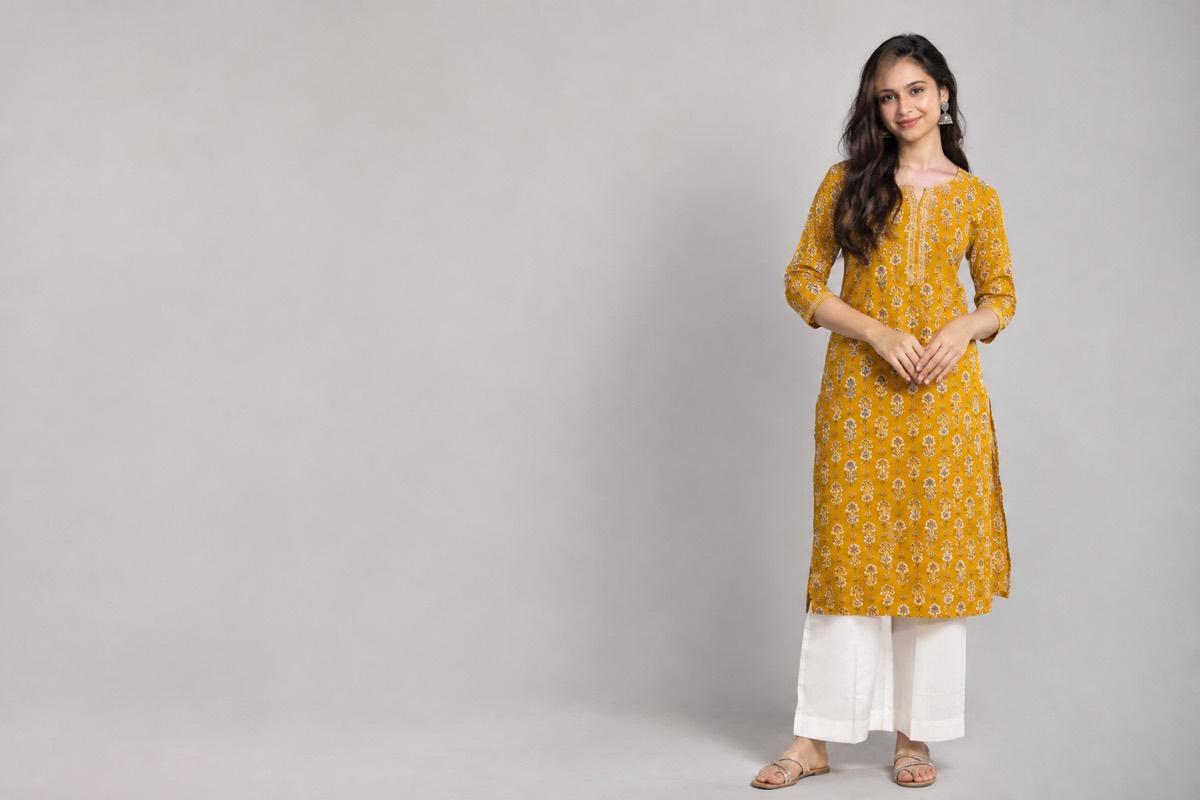
For apparel, models are allowed. Lifestyle images showing the product in use are welcome as additional images, just not as the main image.
Building a good image set
The main image gets the click, but the additional images close the sale. A strong Flipkart image set usually includes:
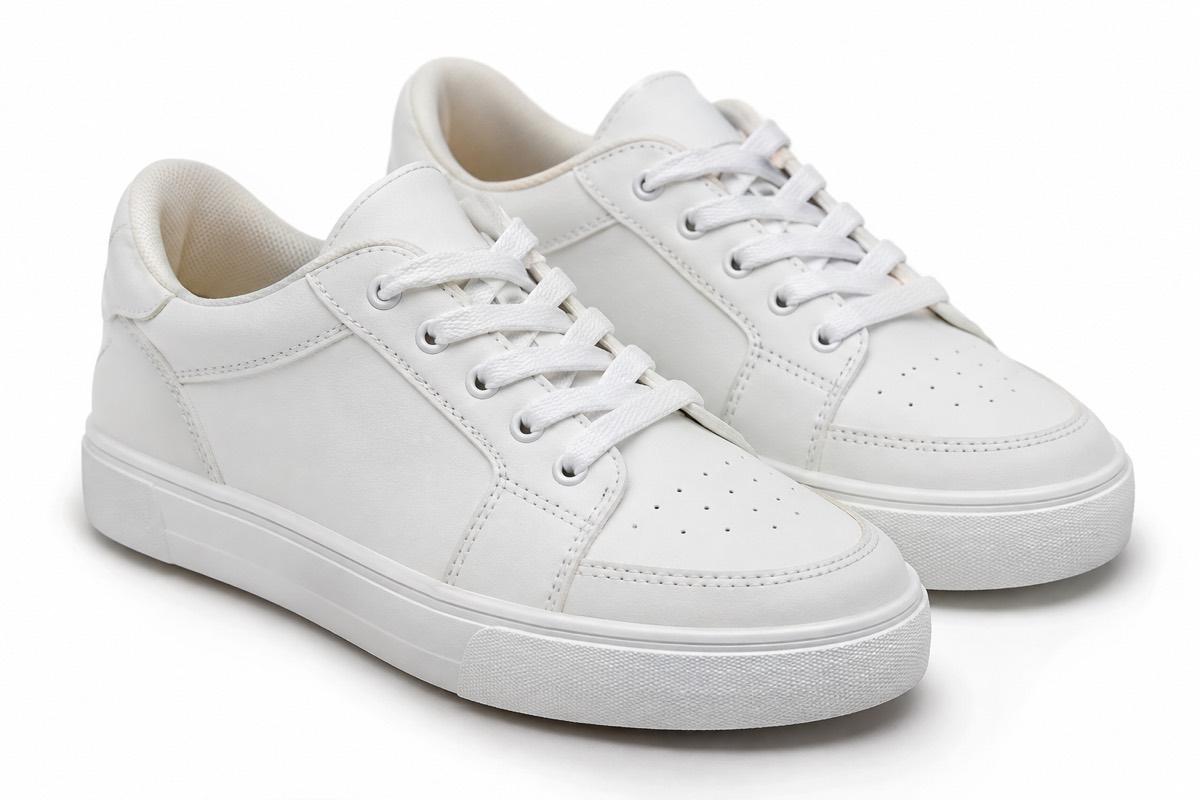
- Main image: product on pure white, front view
- Back or side view: also on white for consistency
- Detail close-up: fabric, stitching, ports, texture or finish
- In-use or on-model shot: helps buyers picture the product in their life
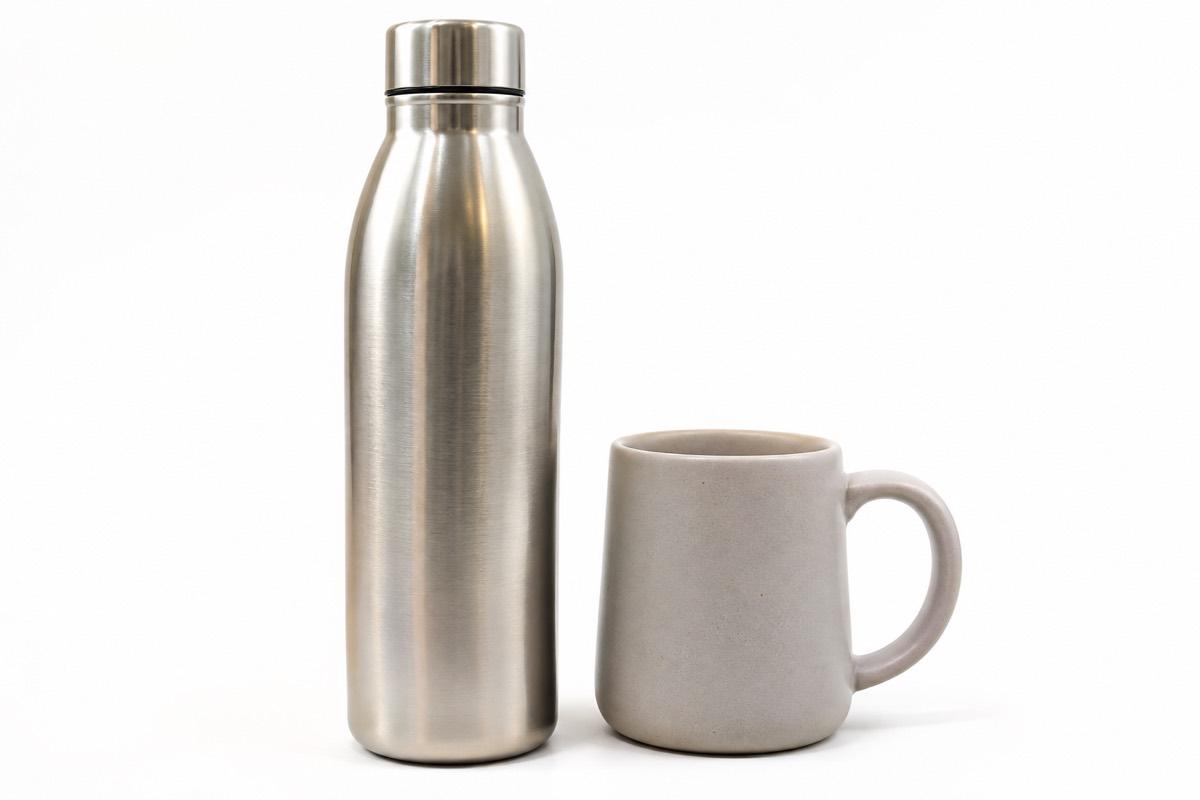
- Scale shot: product in a hand or next to a familiar object, if size is unclear
If you also sell on Amazon, most of this set carries across, with a few differences in rules. Our Amazon India image requirements guide covers those.
Fashion listings on Flipkart
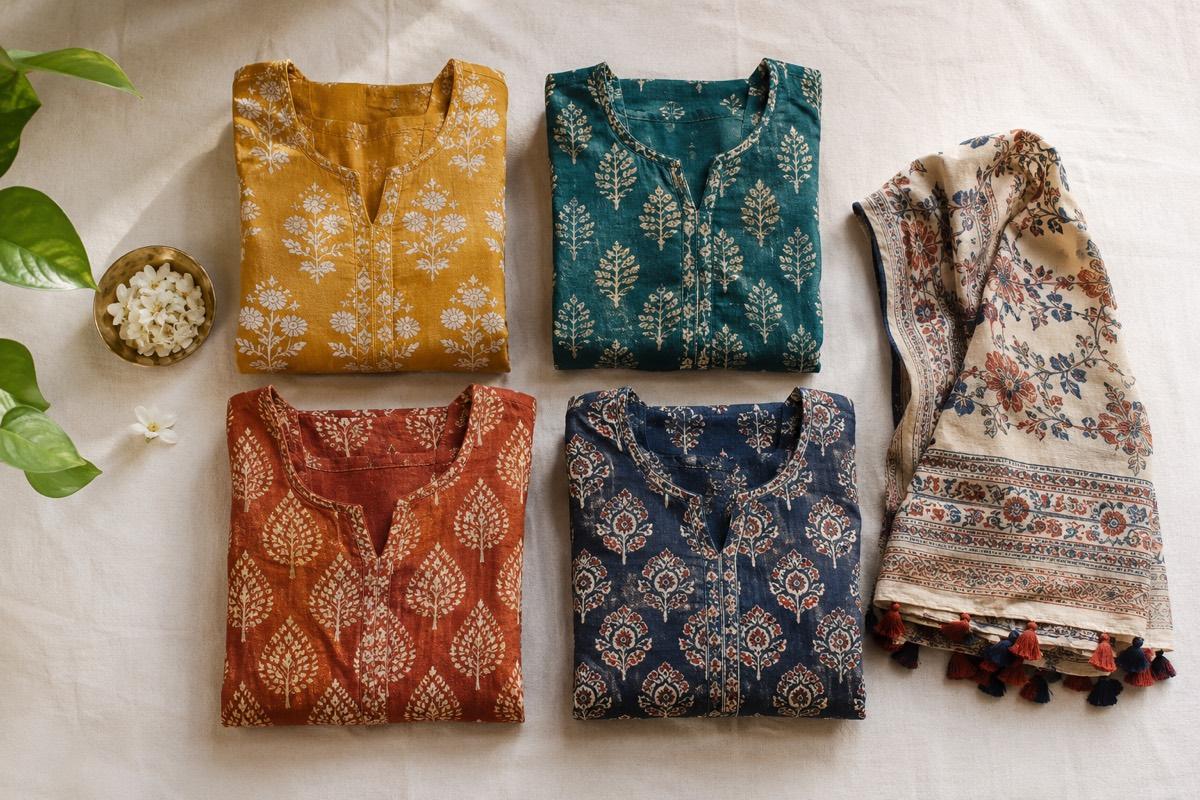
Apparel has the most detailed image expectations on Flipkart. Buyers compare fit, length and fabric across many similar listings, so a consistent set matters. Show every colour variant on the same model and in the same pose, keep the crop identical across the range, and include a clear fabric close-up. If you start from flat-lay photos, an on-model version usually tells buyers far more about fit than the flat garment can.
Mistakes that keep coming up
- Phone camera "beauty" or HDR filters that shift colours
- White balance set to auto under yellow tube lights, making white products look cream
- Shadow under the product spread across half the frame
- Main image showing three colour variants together instead of one product
Before uploading, view each image at the small size Flipkart shows in search. If the product is not instantly recognisable, the framing needs work.
How VisionLab helps
VisionLab creates studio shots from a single phone photo. Choose Flipkart as the target marketplace and the output is framed 1:1 on a pure white #FFFFFF background with no text, logos or borders. The white is enforced on the final image, so you are not relying on a backdrop that only looks white. You can also generate on-model and lifestyle shots for your additional images from the same product photo, and pick camera angles for back, side and close-up views.
New accounts get 5 free credits to start, no card needed. Start free and run your next Flipkart listing through it.
Frequently asked questions
What background does Flipkart require for product images?
The main image needs a pure white background, #FFFFFF or RGB 255, 255, 255. Off-white or light grey backgrounds can be flagged during catalogue QC.
What is the best image size for Flipkart?
Flipkart's minimum is 500 x 500 px, but 2000 x 2000 px square images are recommended so they look sharp and support zoom.
Does Flipkart accept PNG images?
Prepare Flipkart images as JPEG under 10 MB. Transparent PNGs can flatten badly and lose the white background, so export a flattened JPEG on white.
Can I use lifestyle or model photos on Flipkart?
Yes. Model shots are allowed for apparel, and lifestyle photos work well as additional images. Keep the main image on pure white.