A saree is one of the hardest products to photograph for an online listing. It is six yards of fabric that looks completely different folded, flat or worn. The pallu, the border and the body each carry part of the design, and a buyer wants to see all three before paying.
Get the photos right and a saree sells itself. Get them wrong and you get returns marked "not as shown", usually because the colour, the zari or the border looked different on screen. This guide walks through a practical image plan for sarees, from drape and pleats to close-ups and the choice between flat-lay and on-model shots.
What a buyer needs to see in a saree listing
Before you pick up the phone, decide what the photos must answer. For most sarees, a buyer is asking:
- What does it look like when worn?
- What colour is it really, in daylight?
- How wide and how detailed is the border?
- What does the pallu look like?
- Is the zari, print or weave as rich as the price suggests?
- Does it come with a blouse piece, and what does that look like?
Every image in your set should answer at least one of these. If an image answers none of them, it is filler.
A complete saree image set
Here is a shot list that covers most sarees, whether you sell on Meesho, Flipkart, Amazon or your own store.
| Shot | What it shows | Tip |
|---|---|---|
| Full drape, on model | Overall look, fall and length | Front-facing, full body, pleats neat |
| Pallu view | Pallu design spread out | Turn the model slightly or spread the pallu over the arm |
| Border close-up | Border width and pattern | Fill the frame, shoot straight on |
| Zari or weave close-up | Texture and richness | Use side light so threads catch it |
| Body fabric close-up | Base print or weave | Show a palm-sized area in sharp focus |
| Blouse piece | Running blouse fabric | Fold it neatly and photograph flat |
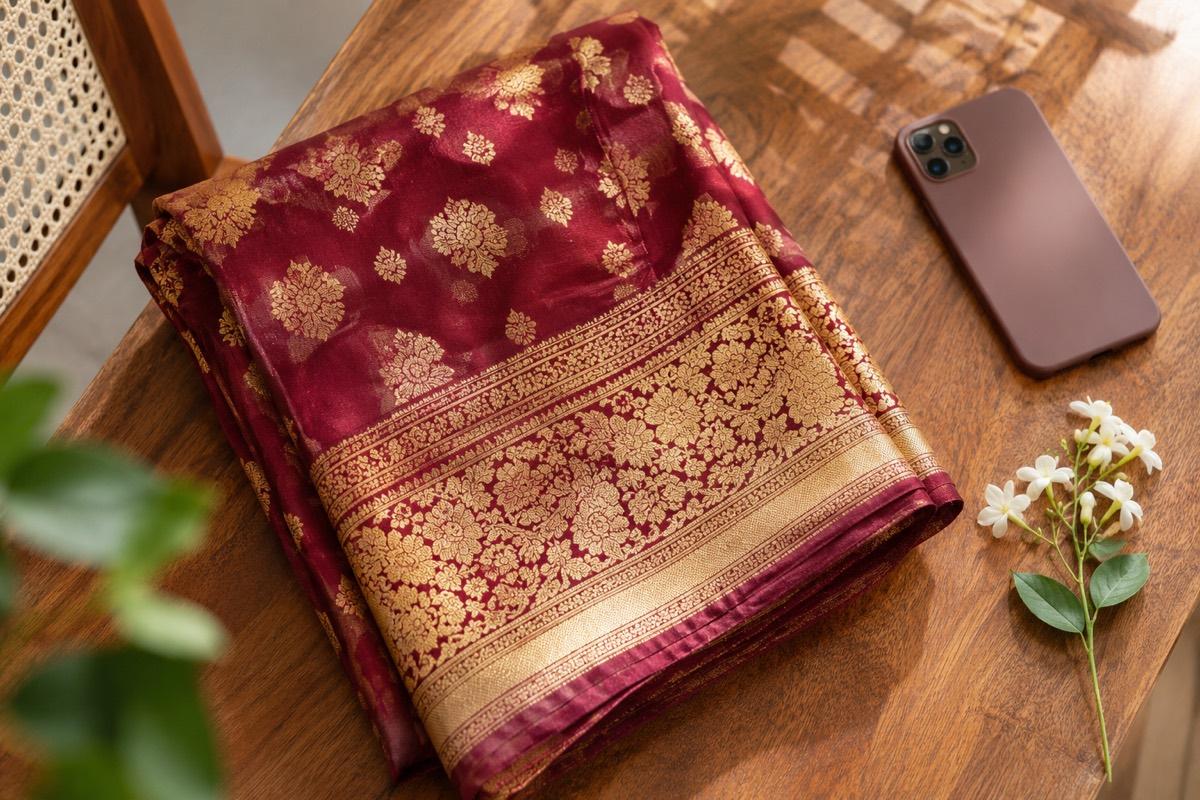
| Folded flat-lay | How it arrives | Optional, but buyers like it for gifting |
One clear image per job beats one crowded collage. Most marketplaces let you upload several images per product, so give each detail its own frame.
Getting the drape and pleats right
The full drape is your main image for most platforms, and it is where sloppy styling shows first.
Pleats
Pleats should be even, pressed and facing the same direction. Pin them at the waist and let them fall straight to the floor. Uneven pleats make even an expensive silk look cheap in a photo.
The fall
Steam the saree before draping. Creases that you barely notice in person become sharp lines on a phone screen, especially on light silks and organza.
Length and hem
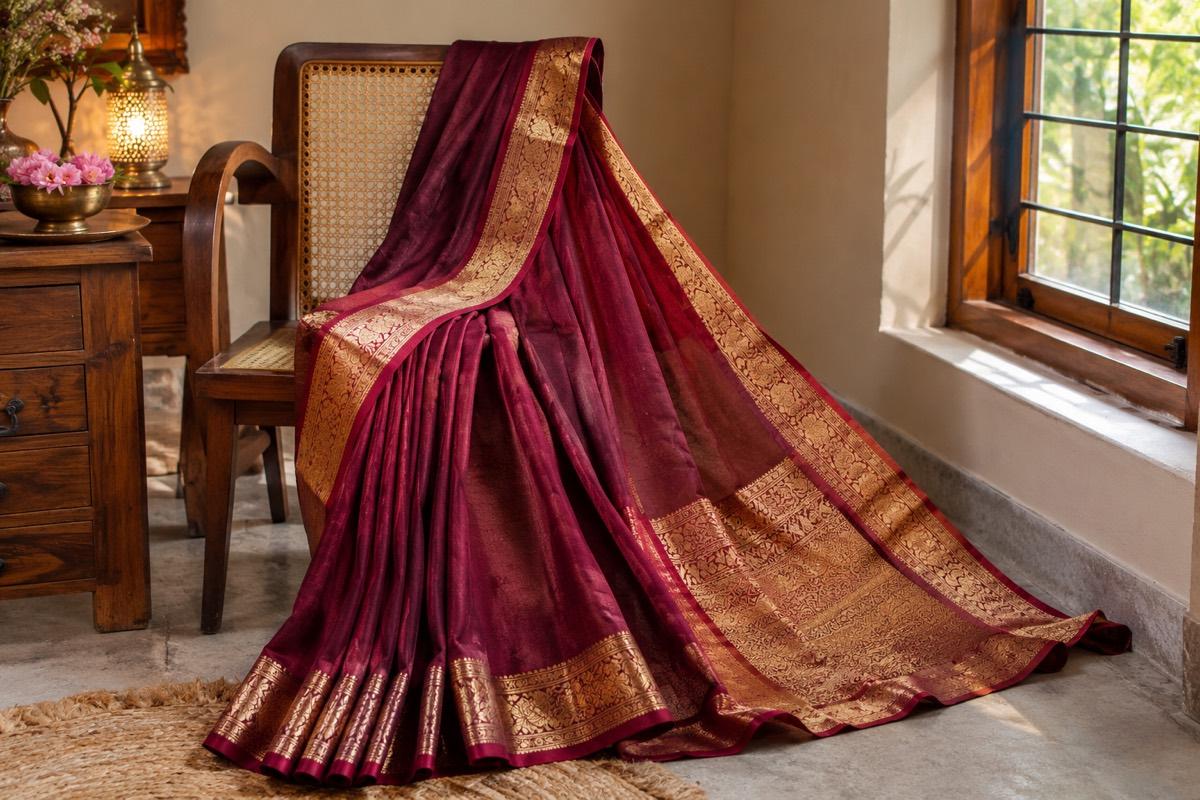
Show the full length down to the hem. Buyers check whether the border runs along the bottom, and cutting off the feet hides it.
Pallu placement
Drape the pallu so its design is visible from the front, or take a separate shot that shows it spread out. Many sarees are bought for the pallu alone.
Zari, border and weave close-ups
Close-ups are where silk, Banarasi, Kanjeevaram and other woven sarees earn their price. They are also where phone photos most often fail.
- Light from the side. Zari is metallic thread. Flat front light makes it look like dull yellow print. Light coming from one side, near a window, makes the threads catch and sparkle.
- Do not use digital zoom. Move the phone closer instead. Digital zoom only crops and enlarges, which makes threads soft.
- Tap to focus on the threads. Phones often focus on the nearest edge. Tap on the zari itself before you shoot.
- Keep the camera parallel to the fabric. Shooting at an angle makes the border look narrower than it is.
- Check the colour on a second screen. Gold zari can turn greenish or orange under room bulbs. Daylight keeps it honest.
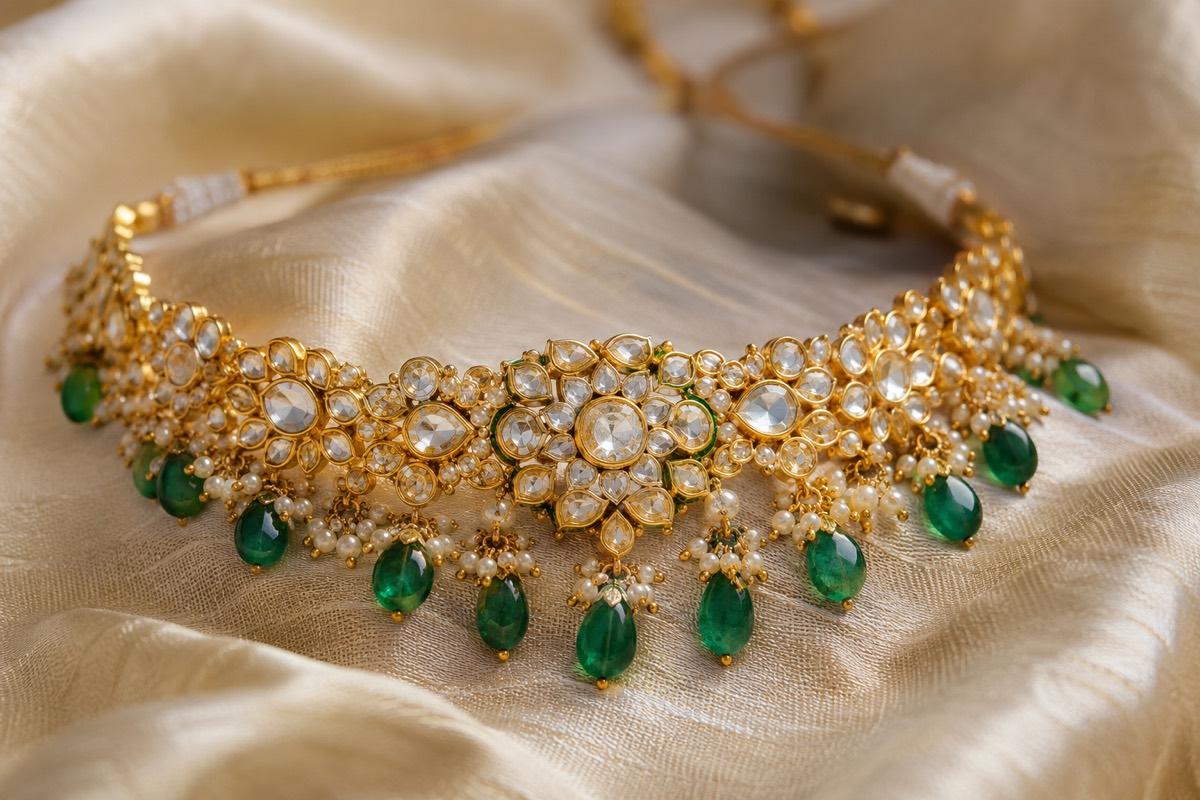
The same rules for shine and reflection apply to jewellery, and our jewellery photography guide goes deeper into handling metallic surfaces.
Flat-lay vs on-model: which to use
Both have a place. The question is which goes first.
| Format | Strengths | Weaknesses |
|---|---|---|
| Flat-lay | Easy to shoot, shows the full design, honest colour | Does not show drape or fall |
| On-model | Shows how it looks worn, builds desire | Costs more to shoot, harder to keep consistent |
| Folded | Shows packaging and gift appeal | Hides most of the design |
For most sarees, the on-model shot should be the first image. Buyers want to imagine wearing it, and a folded or flat saree does not help them do that. Flat-lays and close-ups then do the job of proving detail and colour.
Myntra, for example, is built around on-model fashion photography, while Meesho and Flipkart accept model shots for apparel. Check each platform's rules before uploading, and see our Myntra catalogue guide if you sell there.
Colour accuracy is the main return risk
The most common saree complaint is colour. Maroon looks brown, rani pink looks red, bottle green looks black.
- Shoot near a large window in daylight, not under yellow room bulbs
- Avoid filters and beauty modes in your camera app
- Compare the photo on your phone with the saree held next to it
- If a colour is hard to capture, say so in the description
If you sell the same design in several colours, photograph every colour separately. Recolouring one photo in an editing app almost never matches the real fabric.
How VisionLab helps
VisionLab's AI Photoshoot can take a flat-lay or mannequin photo of your saree and show it on a model, so you get the worn look without arranging a shoot. You choose the model, pose and setting, or let VisionLab decide. When you pick a target marketplace such as Meesho, Flipkart or Myntra, the output is framed and backed to suit that marketplace. If you list many designs at once, Bulk Studio applies the same model and look across the whole batch so your saree collection looks consistent.
Always check the generated image against the real saree for border, pallu and colour before you list it.
Start free with 5 free credits, no card needed.
Frequently asked questions
Should my main saree image be on a model or a flat-lay?
For most sarees, an on-model shot works best as the first image because buyers want to see how it drapes. Use flat-lays and close-ups as supporting images to show detail and colour.
How do I photograph zari so it looks rich?
Use side light from a window so the metallic threads catch the light, move the phone closer instead of using digital zoom, and tap to focus on the zari itself.
How many photos should a saree listing have?
Aim for a full drape, a pallu view, a border close-up, a weave or zari close-up and a blouse piece shot. Check your marketplace for its image limit.
Why does my saree colour look different in photos?
Yellow room lighting and camera filters shift colours. Shoot in daylight near a window, switch off filters and compare the photo with the real saree before uploading.