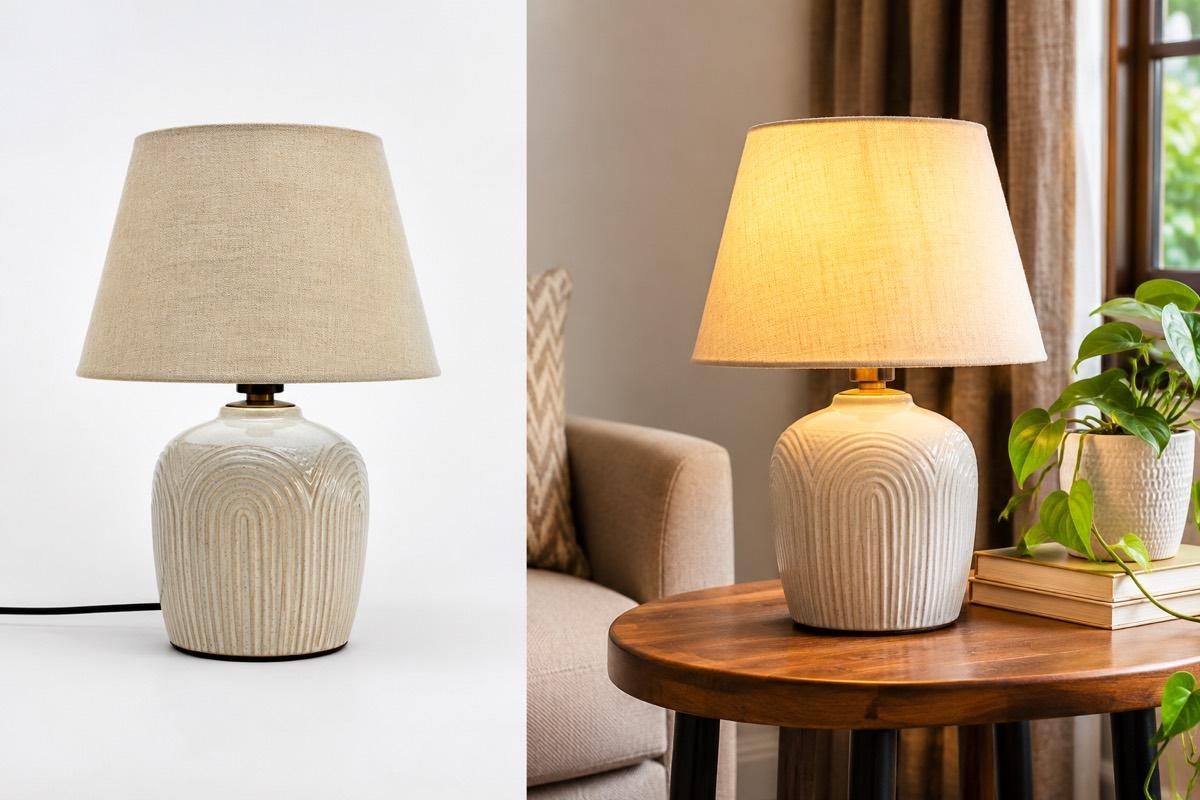
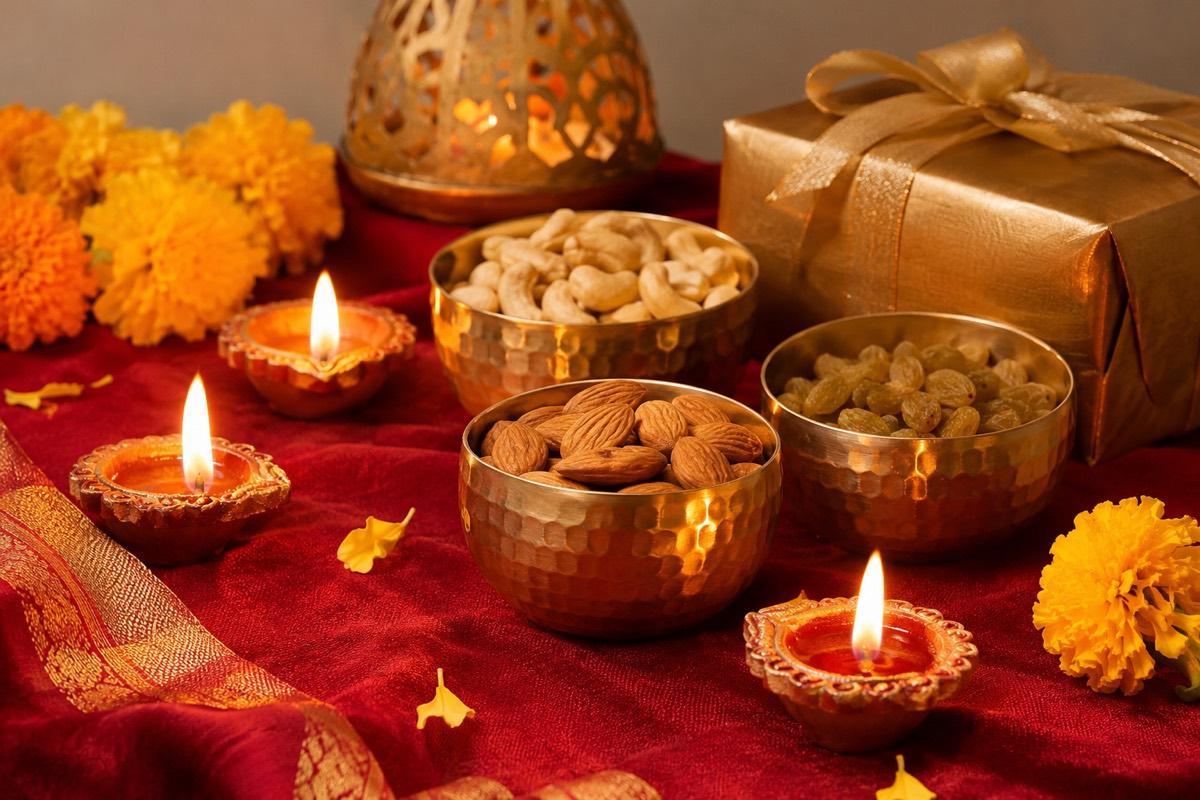
For many Indian sellers, the festive stretch from Navratri through Diwali and into wedding season is the most important part of the year. Ethnic wear, jewellery, home decor, gifting and beauty all see buyers actively looking for something new.
It is also when catalogues fall apart. New designs arrive late, photographers are booked, marketplaces get busier and images that would normally pass in a day sit waiting. The sellers who do well are usually the ones who planned their images weeks earlier.
This article covers what to prepare, a timeline that works backwards from your sale dates, and how to avoid the common last-minute mistakes.
What a festive catalogue needs
Festive prep is not just "more photos". It is a specific set of assets for different places.
| Asset | Where it is used |
|---|---|
| Listing images for new designs | Marketplace and website product pages |
| Refreshed images for best sellers | Existing listings that will get more traffic |
| Festive lifestyle and on-model shots | Gallery images, website banners, social posts |
| Sale and offer posters | Instagram, WhatsApp, website banners |
| Short product videos | Instagram Reels, YouTube Shorts, product pages |
| Gift set and combo images | Bundles created for the season |
Make a list of every product and which of these it needs. That list becomes your plan.
Start with what already sells
New festive collections get the attention, but your existing best sellers often bring in the most orders. Before shooting anything new:
- Check that best-seller images are sharp, current and match the product
- Add a festive lifestyle image to their galleries where the platform allows it
- Make sure every colour variant has its own photos
- Fix any listing that has been getting "not as shown" complaints
This is usually quicker and safer than launching dozens of new designs.
Plan new designs early
If you are launching a festive collection, the products themselves often arrive late from production. Do not wait for every piece before planning photos.
- Lock the shot list. Decide the model, poses, background and framing once, for the whole collection.
- Shoot samples as they arrive. A clean flat-lay or mannequin photo of each sample is enough to start.
- Generate or shoot on-model images in batches. Keep the same look across the collection so it feels like one launch.
- Upload early. Listings can take time to go live, so do not save this for the final week.
Our bulk catalogue guide explains how to manage large batches with a master spreadsheet.
The best time to prepare festive images is when nobody else is. Every seller wants a photographer and a quick listing approval in the last two weeks.
A working timeline
Exact dates depend on your categories and the marketplaces you sell on, so treat this as a guide and adjust it to your own sale calendar.
| When | What to do |
|---|---|
| About 8 weeks before | List products, decide the festive look, audit best-seller images |
| About 6 weeks before | Shoot or generate images for best sellers and early arrivals |
| About 4 weeks before | Upload new listings, prepare poster designs and offers |
| About 2 weeks before | Final new arrivals, videos and social content queued |
| Sale week | Only fixes and posters for live offers, no new shoots |
Marketplaces often run their own festive sale events with their own deadlines. Check your seller panel for the exact dates and any participation requirements.
Festive styling that still passes the rules
Festive mood is great for social posts and gallery images, but main images on Amazon and Flipkart still need a pure white background, and Meesho still forbids text on catalogue images.
- Keep festive props, diyas, marigolds and rangoli for lifestyle and social images
- Put offers and discount messages on posters, not on listing images
- For apparel, a warm festive setting works well for on-model gallery shots
- For jewellery, worn shots with ethnic outfits help buyers picture the occasion
Posters for every channel
Posters do the selling outside the marketplace. Prepare them in advance in the sizes you actually use:
- Square and portrait posts for Instagram feed
- Vertical formats for stories and status updates
- Banners for your website or marketplace store page
Keep each poster simple: one product or collection, one offer, one message. A poster crowded with five offers is ignored.
Wedding season is a different brief
Wedding season overlaps with the festive rush but buyers behave differently. They shop for specific events, often for a whole family, and pay more attention to detail and quality.
- Show heavy pieces such as lehengas, silk sarees and bridal jewellery in close detail
- Include full-length on-model shots for occasion wear
- Show sets and coordinated looks together
- Keep colours accurate, because buyers often match outfits across family members
For sarees in particular, see our saree photography guide.
After the season
When the rush ends, do a short review while it is fresh. Note which images and posters were ready on time and which were late, which products sold well, and which listings drew questions about colour or size. Save your festive look settings and shot list, so next year's preparation starts from a tested plan instead of a blank page.
How VisionLab helps
VisionLab helps you prepare a festive catalogue without waiting for a studio. AI Photoshoot turns sample photos into studio, lifestyle and on-model images, and Bulk Studio applies one festive look across a whole collection from a spreadsheet or batch upload. The Marketing Poster maker creates sale, launch and festive posters sized for Instagram, WhatsApp and banners, and Generate Video turns a product photo into a 5-second vertical reel for social media.
Start free with 5 free credits, no card needed.
Frequently asked questions
How early should I start preparing festive season product images?
Start planning several weeks ahead. Audit best-seller images and lock your festive look first, then shoot and upload new listings well before the final rush.
Can I add Diwali offers or text to my marketplace listing images?
Usually not. Amazon, Flipkart and Meesho forbid promotional text on catalogue images. Put offers on social posters and in the marketplace's own deal tools instead.
What festive images should I make for social media?
Festive lifestyle and on-model images, sale and launch posters in square, portrait and vertical sizes, and short vertical product videos for Reels and Shorts.
Should I refresh images for existing products before the festive season?
Yes. Best sellers often bring in the most festive orders, so make sure their images are sharp and accurate and add a festive lifestyle image where allowed.