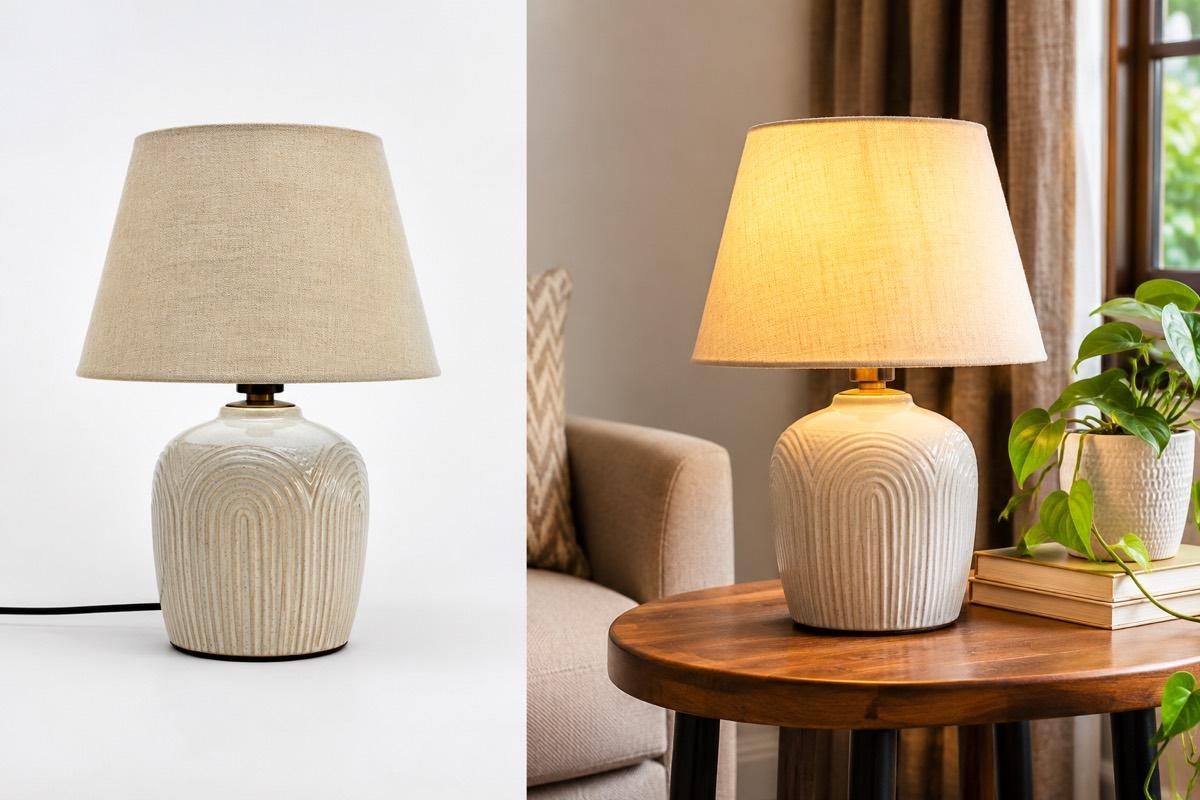

For years, the path to good product photos in Indian e-commerce looked the same. Book a photographer, hire a model if you sell fashion or jewellery, rent a studio, get the images edited, wait a week, and repeat for every new collection. For large brands this is a normal cost of doing business. For a small seller in Surat, Jaipur or Tiruppur launching new designs every week, it is a constant bottleneck.
That is changing. More sellers now start with a phone photo and finish with studio-quality images, using AI product photography to fill the gap. This post looks at what is driving the shift, where it genuinely helps, and where a traditional shoot still makes sense.
Where photoshoot costs actually come from
When sellers think about shoot costs, they usually think of the photographer's fee. In practice, the cost is spread across many pieces:
| Cost item | Why it adds up |
|---|---|
| Photographer | Charged per day, per product or per image |
| Model | Fees per day, plus more for multiple looks |
| Studio rental | Charged by the hour or day |
| Stylist and makeup | Needed for fashion and jewellery |
| Editing and retouching | Background cleanup, colour correction, resizing |
| Logistics | Moving stock to and from the studio, samples getting soiled |
| Time | Days between product ready and product live |
The last item is easy to ignore, but it is often the biggest. A design that sits in the warehouse waiting for photos is a design that is not selling. In fast-moving categories like ethnic wear, waiting for a shoot can mean missing the season.
What changed
Three things came together.
Phones got good enough
Modern phone cameras capture enough detail for a clean product photo in daylight. The phone was never the problem; lighting, backgrounds and models were.
Marketplaces standardised their rules
Amazon, Flipkart, Meesho and Myntra each publish clear image rules: background colour, aspect ratio, minimum size. Clear rules can be applied automatically, which makes software a natural fit.
AI learned to keep the product intact
Early AI image tools were good at making pretty pictures but bad at keeping a specific product accurate. Category-tuned tools now focus on preserving the product's shape, colour and detail while changing the background, lighting, model and setting around it.
What a phone-to-studio workflow looks like
- Take one clear photo of the product with your phone, in daylight, on a plain surface.
- Choose what you need: a studio shot, a lifestyle scene, an on-model image or a poster.
- Pick the style: model, pose, background, camera angle, or let the software decide.
- Choose the marketplace so sizes and backgrounds follow its rules.
- Review and download. Check the product is accurate, then upload.
For a seller, the difference is not just cost. It is control. You can create images the same day a sample arrives, test two backgrounds to see which looks better, and refresh old listings without reshooting.
A phone photo does not have to be perfect. It has to be clear, sharp and evenly lit. Background, scene and model can be handled afterwards.
Getting the phone photo right
The whole workflow depends on that first photo, so it is worth a few minutes of care.
- Clean the lens. A smudged lens from a pocket is the most common cause of hazy photos.
- Use daylight from a window, not direct sun and not yellow room lights.
- Fill the frame with the product, without cutting off any edge.
- Hold steady or use a stand, and tap to focus on the product.
- Shoot at full resolution. Avoid sending photos to yourself on chat apps, which compress them.
For small, shiny products like rings and earrings, these basics matter even more. Our jewellery photography guide covers reflections and close-ups in detail.
Where AI photography helps most
- High-volume catalogues where every week brings new designs
- Variants and colourways that would each need a separate shoot
- Marketplace-specific versions of the same image: white for Amazon and Flipkart, square lifestyle for Meesho, portrait on-model for Myntra
- Testing new products before committing to a full shoot
- Festive and sale creatives for Instagram, WhatsApp and banners
For catalogue-scale work, see our guide on preparing bulk catalogue images.
Where a traditional shoot still wins
AI is not a replacement for everything, and pretending otherwise does sellers no favours.
- Brand campaigns where a specific creative vision, location or celebrity matters
- Very complex products with mechanisms or effects that need to be demonstrated physically
- Video content that shows a product being used in a specific, real way
- Products where the input photo cannot capture the detail, such as pieces too reflective or intricate to photograph clearly with a phone
Many sellers end up with a mix: a traditional shoot for hero campaign images once or twice a year, and AI for the everyday catalogue.
The honesty rule
Whatever method you use, the image must show the product the buyer will receive. AI makes it easy to produce an image that looks better than reality. That might win a click, but it loses the sale later through returns and reviews. Check every image for colour, details and proportions before it goes live.
How VisionLab helps
VisionLab is built around this phone-to-studio workflow. Upload one clear phone photo, pick a style, and get studio shots, lifestyle photos, on-model images and marketing posters. Category-tuned modes cover apparel, jewellery, beauty, home goods, electronics, accessories and food products. Choose a target marketplace and the images follow its framing and background rules, ready to download and upload.
New accounts get 5 free credits to start, no card needed. Start free and turn your next phone photo into a studio shot.
Frequently asked questions
Can a phone photo really become a studio-quality product image?
Yes, if the phone photo is clear, sharp and evenly lit. AI product photography handles the background, lighting, model and scene while keeping the product itself intact.
What does AI product photography replace?
For everyday catalogue images, it can replace studio rental, backdrops, model bookings and much of the editing. It also removes the wait between a sample arriving and the listing going live.
When should I still book a traditional photoshoot?
For brand campaigns, complex products that need physical demonstration, video, or pieces too intricate to capture clearly with a phone.
Are AI product images allowed on Indian marketplaces?
Marketplaces care that images accurately show the product and follow their rules on background, size and content. Check every image against the real product before listing.