
When you sell on a marketplace, the platform decides how your images look. When you run your own Shopify store, you decide. That freedom is the whole point of a D2C brand, but it also means nobody stops you from uploading a messy mix of sizes, backgrounds and crops.
This guide covers what Shopify product images should look like for an Indian D2C brand: sizes, consistency across collection pages, file formats, alt text and keeping image-heavy pages fast for shoppers on mobile data.
Shopify image basics
Shopify is flexible about images, but some settings give much better results than others.
| Setting | What we target |
|---|---|
| Shape | Square 1:1 by default, or 4:5 portrait for product grids |
| Size | 2048 x 2048 px for square images |
| Format | JPEG, PNG or WebP |
| File size | Under 20 MB per image, and much smaller is better |
| Background | Any, but consistent across the store |
| Text and watermarks | Avoid on product images |
Shopify's own help centre recommends square images around 2048 x 2048 px for product photos, which leaves room for zoom without huge files. Your theme may have its own recommendations, so check its documentation as well.
Pick one shape for each type of image and stick to it. A collection grid with square, portrait and landscape photos mixed together looks broken, whatever the quality of each photo.
Consistency across collection pages
Collection pages are where your brand either looks polished or looks like a reseller. Shoppers compare products side by side, and inconsistency is obvious.
Same shape, same crop
Most themes show product images in a fixed-shape grid. If your images do not match that shape, the theme crops or pads them unpredictably. Decide whether your store uses square or 4:5, and produce every image to that shape.
Same background
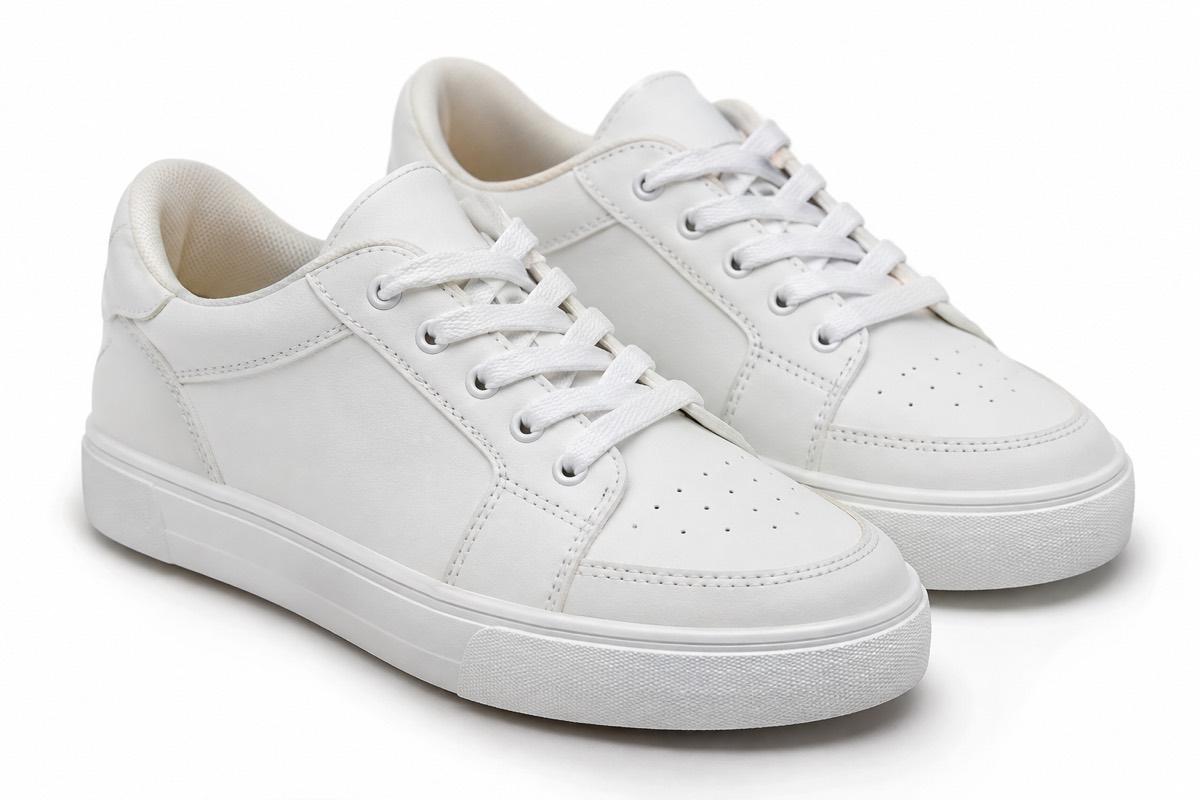
Choose one background treatment for main product images: white, a soft grey, or one brand colour. Mixing white backgrounds with lifestyle scenes in the same grid makes the page feel chaotic.
Same framing
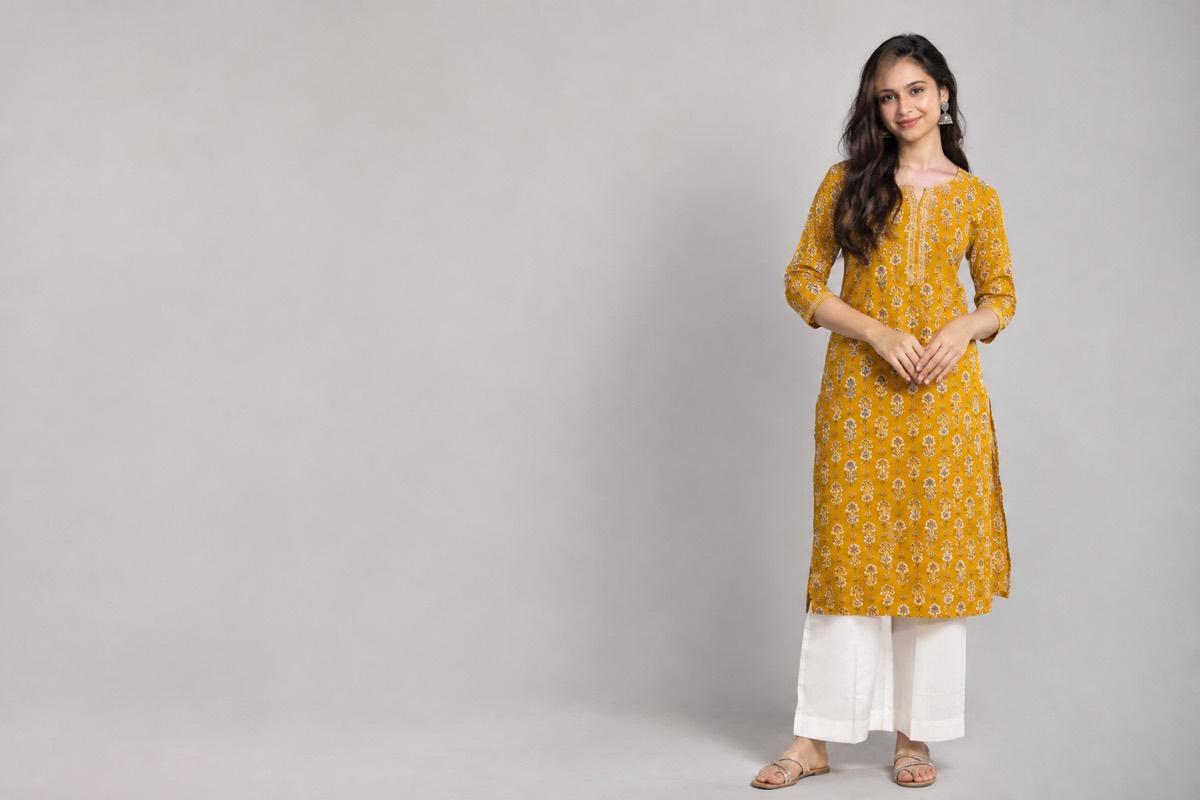
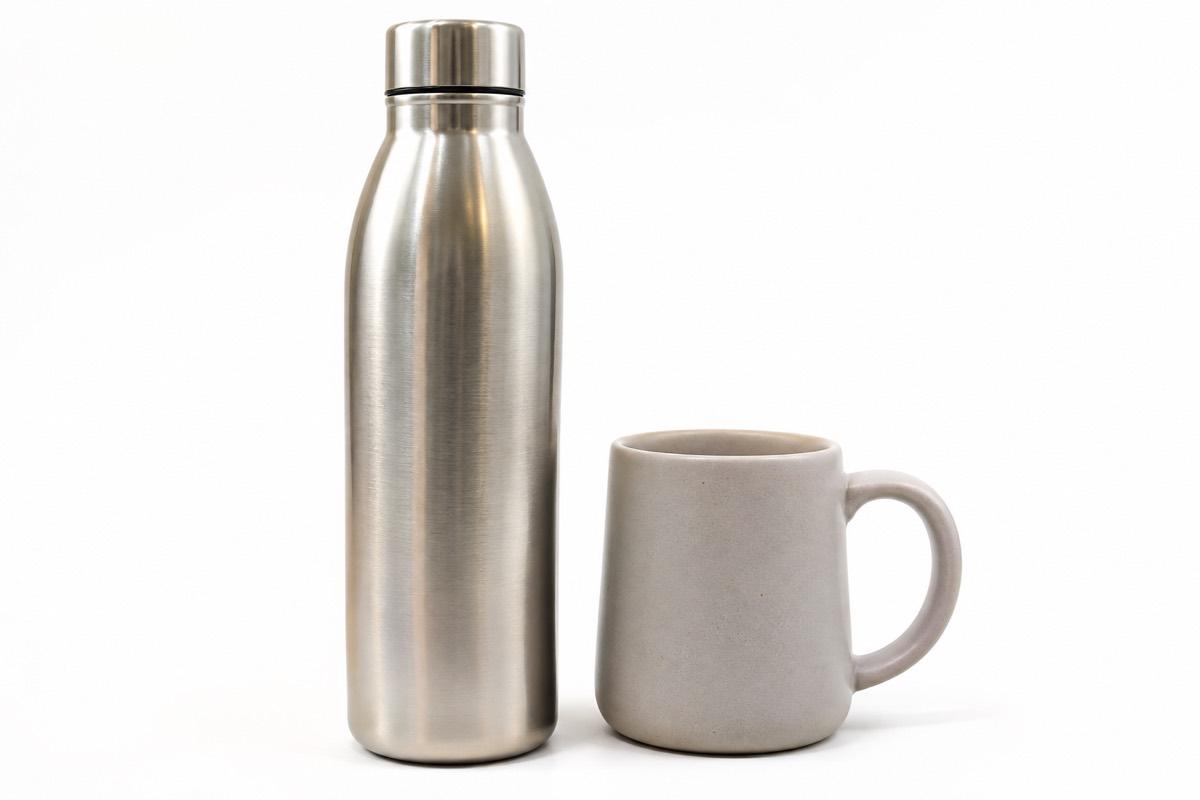
Keep the product at a similar size and position in every image. For apparel, use the same crop, such as head-to-toe or neck-to-knee, across the collection. For products, keep similar padding around the edges.
Same model and lighting
If you show apparel on models, a consistent model and lighting style across a collection makes it feel like one brand. See our guide to AI model photoshoots for clothing for keeping on-model shots consistent.
The second image matters
Many Shopify themes can show a second image when a shopper hovers over a product in the grid. That makes the second image in each product's gallery unusually important.
- Use it for a different view: back, side, on-model or in use
- Keep it consistent across products, for example always the back view
- Make sure it is the same shape as the first image
Check whether your theme supports this and how it behaves on mobile, where there is no hover.
Product page galleries
A good product page gallery moves from clarity to context:
- Main image matching the collection grid
- Other angles
- Close-ups of fabric, finish or detail
- Lifestyle or on-model images
- Scale or in-hand shot
- A short product video if your theme supports it
For guidance on balancing these, see our article on lifestyle vs studio product photos.
Alt text and file names
Alt text describes an image for screen readers and helps search engines understand it. Shopify lets you add alt text to each product image from the admin.
- Describe what is in the image in plain words
- Include the product type, colour and key detail
- Do not stuff in a list of keywords
- Name files descriptively before uploading, such as "maroon-silk-saree-zari-border.jpg" rather than "IMG_4521.jpg"
| Weak alt text | Better alt text |
|---|---|
| saree | Maroon silk saree with gold zari border, front drape |
| product image | Brass table lamp with linen shade on a wooden side table |
| best kurti buy now | Mustard cotton kurti with block print, three-quarter sleeves |
Keeping image-heavy pages fast
Many Indian shoppers browse on mobile data, and heavy pages lose them. Images are usually the biggest part of a product page.
- Do not upload huge originals. A 2048 px image is enough for zoom; much larger files add weight without visible benefit.
- Compress before upload. Good compression keeps the image looking the same at a fraction of the size.
- Use JPEG for photos. Keep PNG for images that need transparency, such as cut-outs.
- Limit the number of images per page to the ones that actually help the buyer.
- Test on a phone. Open your store on mobile data, not office Wi-Fi, and see how it feels.
Shopify resizes images for different screens, but starting from sensibly sized, compressed files still helps.
A launch checklist for new products
Before a new product goes live on your store, check that:
- The main image matches the shape, background and framing of the rest of the collection
- The second image is the same type of view as other products
- Every colour variant has its own photos linked to that variant
- Alt text is filled in for each image
- Files are compressed and sensibly sized
- The page loads comfortably on a phone using mobile data
How VisionLab helps
When you choose Shopify as the target, VisionLab produces square, high-resolution product images at 2048 x 2048 px with a neutral, uniform backdrop and no text or watermarks, so your collection grid stays consistent. Bulk Studio applies the same model, pose and background across a whole collection. Background Remove gives transparent PNG cut-outs for banners and custom layouts, and the Marketing Poster maker creates sale and launch banners for your store and social media.
Start free with 5 free credits, no card needed.
Frequently asked questions
What size should Shopify product images be?
Square images of around 2048 x 2048 px are a good default. They are large enough for zoom without making files unnecessarily heavy. Check your theme's recommendations too.
Should Shopify product images be square or portrait?
Either works. Square 1:1 is the most common default and 4:5 portrait suits apparel grids. What matters is using the same shape across the whole store.
Which file format is best for Shopify product images?
Use JPEG for most product photos, PNG for images that need transparency, and WebP where your workflow supports it. Compress files before uploading.
Do I need alt text on Shopify product images?
Yes. Alt text helps shoppers using screen readers and helps search engines understand your images. Describe the product type, colour and key detail in plain words.
How do I make my Shopify collection pages look consistent?
Use the same image shape, background, framing and model style for every product's main image, and keep the second image a consistent view such as the back.